
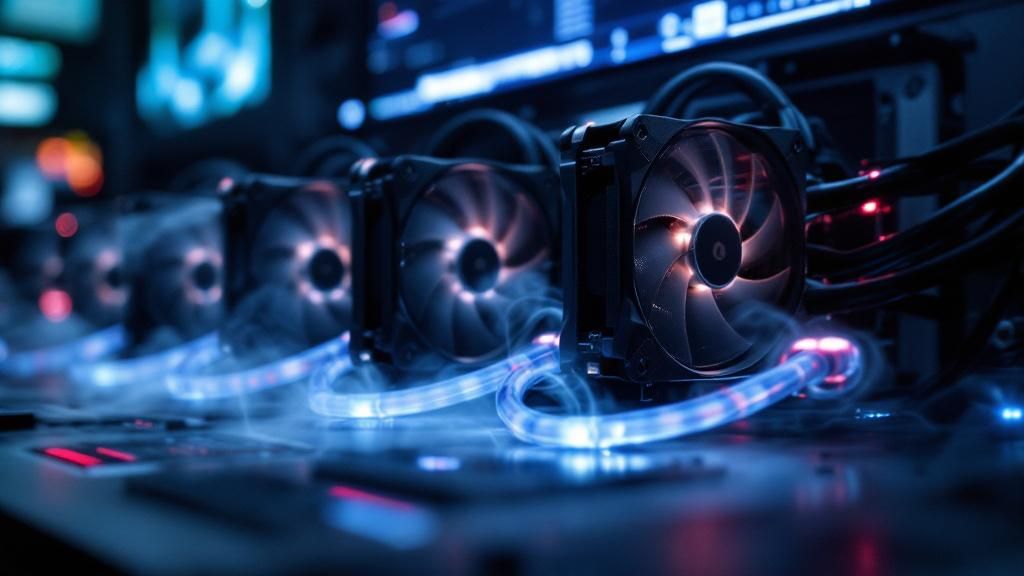
High-spec gaming rigs emit substantial heat during demanding gameplay, pushing components to their limits. Without adequate cooling, even the most robust systems risk temperature-induced performance loss, diminished longevity, and system failure. This article examines the cutting-edge cooling technologies transforming the gaming landscape—from sophisticated water-cooling setups and next-generation air coolers to intelligent temperature control systems. Discover how gaming professionals and dedicated gamers maintain maximum efficiency whilst safeguarding their investments through sophisticated temperature regulation strategies.
Fluid Cooling Systems for Maximum Performance
Liquid cooling constitutes a paradigm shift in temperature regulation for high-performance gaming rigs. By circulating coolant through a closed-loop system, these solutions remove thermal energy far more efficiently than standard air cooling approaches. The liquid captures heat from elements like CPUs and GPUs, moving it to heat exchangers that expel into the atmosphere. This improved thermal efficiency permits enthusiasts to keep temperatures down whilst driving their systems to extraordinary performance levels.
Custom water cooling loops deliver unparalleled flexibility for enthusiasts seeking peak efficiency improvements. These bespoke systems allow users to select specific parts—pumps, reservoirs, radiators, and waterblocks—matched with their specific requirements. Whilst installation requires specialist knowledge and detailed organisation, the benefits justify the effort. Custom loops deliver outstanding heat dissipation, quieter operation, and aesthetic appeal that converts a gaming rig into a premium build. Maintenance requirements stay straightforward with proper planning and premium hardware.
All-in-one liquid coolers provide an accessible alternative for gamers seeking liquid cooling without extensive customisation. These pre-assembled units arrive ready for installation, featuring closed-loop designs requiring little upkeep. Modern AIO coolers deliver impressive thermal performance comparable to entry-level custom systems, making them growing in favour amongst competitive gamers. The dependability of modern all-in-one coolers has resolved previous reliability issues, establishing them as trusted options for sustained high-performance gaming sessions.
Thermal efficiency gains from liquid cooling result in tangible gaming gains. Lower component temperatures facilitate higher clock speeds and sustained boost frequencies, maximising frame rates and graphical fidelity. Additionally, cooler operation improves hardware longevity significantly, preserving your substantial investment in premium components. Professional esports competitors favour liquid cooling precisely because it ensures the temperature stability vital for consistent, predictable performance during competitive events and demanding gaming marathons.
Modern liquid cooling solutions incorporate smart monitoring features and adjustable pump settings. RGB lighting addition lets gamers to synchronise cooling systems with general build appearance. Noise reduction represents another significant benefit—liquid coolers usually function with less noise than intensive air-cooling systems, creating superior gaming atmospheres. These refinements convert cooling from a simple functional component into an integral component of the top-tier gaming experience.
Installation requirements remain crucial when picking liquid cooling solutions. Physical space needs, radiator location, and component compatibility demand detailed consideration before investing in. Most modern cases accommodate standard radiator sizes, though expanded custom setups may require specialist enclosures. Gamers should research their particular system setup carefully, ensuring picked cooling options integrate seamlessly with current hardware and case dimensions.
Air Cooling and Thermal Management Strategies
Air cooling remains the most accessible and budget-friendly solution for gaming enthusiasts requiring reliable thermal management. Modern air coolers employ optimised fin configurations and thermal conductors to rapidly remove heat from processors and graphics cards. With correct setup and regular upkeep, reliable air cooling solutions provide excellent cooling performance whilst maintaining system stability during lengthy gaming periods and demanding workloads.
Fan Arrangement and Airflow Improvement
Achieving ideal airflow within your gaming chassis requires strategic planning and precise component placement. Intake fans should pull cool air from the front and bottom of the case, whilst exhaust fans expel hot air through the upper rear sections. This creates a favourable pressure condition that limits dust accumulation and ensures steady cooling performance across all system components throughout lengthy gameplay periods.
Temperature sensors and cooling regulators enable intelligent thermal management, dynamically modulating fan speeds based on real-time system temperatures. This dynamic approach reduces noise during minimal load conditions whilst maintaining aggressive cooling during maximum performance requirements. Modern motherboards offer sophisticated BIOS settings allowing users to customise fan curves, balancing thermal performance with acoustic comfort for an enhanced gaming experience.
- Install intake vents at case front bottom areas
- Place exhaust vents at upper rear areas
- Maintain unobstructed airflow pathways throughout chassis
- Replace filters on a monthly basis preventing dust buildup
- Check thermal readings using temperature monitoring applications
Proper cable management significantly impacts airflow efficiency in gaming PCs. Organising power cables and data cables avoids blocking of air pathways, allowing unrestricted circulation throughout the chassis. Additionally, upgrading to high-quality case fans featuring optimised blades and silent operation mechanisms boosts thermal efficiency whilst preserving silent running, striking the ideal equilibrium for performance-focused players aiming for top-tier results.
Monitoring and Maintenance for Sustained Stability
Continuous Thermal Monitoring
Effective thermal management solutions require ongoing attention through comprehensive temperature monitoring. Modern gaming rigs leverage sophisticated software solutions that track CPU, GPU, and coolant temperatures as they occur. These applications deliver comprehensive data analysis, notifying operators when temperatures exceed safe thresholds. By establishing baseline readings and tracking patterns, enthusiasts can identify potential issues before they develop into critical failures, ensuring their powerful rigs remain stable and optimised throughout prolonged gaming periods.
Professional-grade monitoring tools provide precise oversight over fan curves and pump speeds, allowing real-time modifications based on existing heat levels. Many modern cooling solutions connect seamlessly to gaming peripherals and RGB lighting, delivering engaging atmospheres whilst preserving ideal heat management. Consistent performance tracking helps identify seasonal variations and component degradation patterns. This forward-thinking strategy avoids sudden system failures during intense gaming sessions, protecting long-term stability and efficiency through intelligent thermal management strategies.
Standard Maintenance Guidelines
Maintaining high-performance cooling technology demands regular focus on maintenance routines. Dust accumulation on radiators, heatsinks, and fans substantially diminishes cooling efficiency, demanding periodic cleaning every 3-6 months according to environmental conditions. Liquid cooling systems require regular coolant changes and inspection for leaks or corrosion, usually once yearly. These maintenance routines defend against heat-related damage and component failure, maintaining consistent performance throughout the system’s service life whilst preventing costly maintenance.
Establishing documented maintenance schedules becomes essential for serious enthusiasts and competitive gamers. Recording cleaning dates, coolant replacements, and thermal performance metrics builds a comprehensive system history. This documentation aids troubleshooting efforts and helps identify service schedules specific to individual setups. Professional-level care includes inspecting pump functionality, verifying block contact quality, and assessing fan bearing conditions. Implementing these systematic maintenance protocols guarantees that advanced cooling solutions continue delivering optimal thermal performance, protecting valuable gaming hardware investments.
Improving and Optimising Systems
As gaming technology develops, cooling requirements escalate alongside increasingly high-performance processors and graphics cards. Strategic upgrades to cooling infrastructure mitigate thermal bottlenecks that limit performance potential. Assessing existing system capacity against future component specifications ensures sufficient thermal headroom for future builds. Switching to larger radiators, higher-performance pumps, or advanced coolant formulations can significantly boost temperature stability. These enhancements represent wise expenditures for enthusiasts committed to maintaining peak performance as their gaming rigs evolve.
Optimisation extends past hardware upgrades to encompassing software refinements and environmental considerations. Adjusting case airflow patterns, moving hardware elements, or installing additional case fans can yield significant temperature reductions without substantial expenditure. Overclocking profiles leverage comprehensive thermal analysis, allowing users to extend performance limits safely. Regular evaluation of cooling efficiency metrics directs planning about upcoming upgrades. By merging careful enhancements with meticulous maintenance practices, gamers achieve prolonged optimal performance whilst maximising the longevity of their sophisticated cooling infrastructure.
